Chrome extension
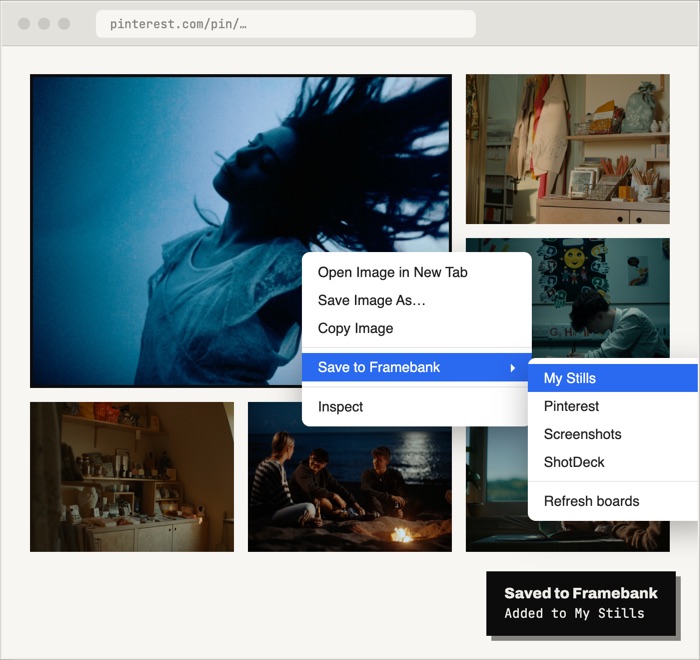
Right-click. Saved.
Right-click any image on Pinterest, ShotDeck or anyone's portfolio and pick a board. It's saved with a link back to where you found it, full size from Pinterest.
Add to ChromeThe reference board for filmmakers and photographers.
Collect stills, frames and photos into boards. Framebank labels every shot, reads its colour and light, and keeps the camera settings, so the reference you need is a click away.
Founding offer. The first 150 members get Pro for £40 a year, for life (150 places left).
Find it by eye
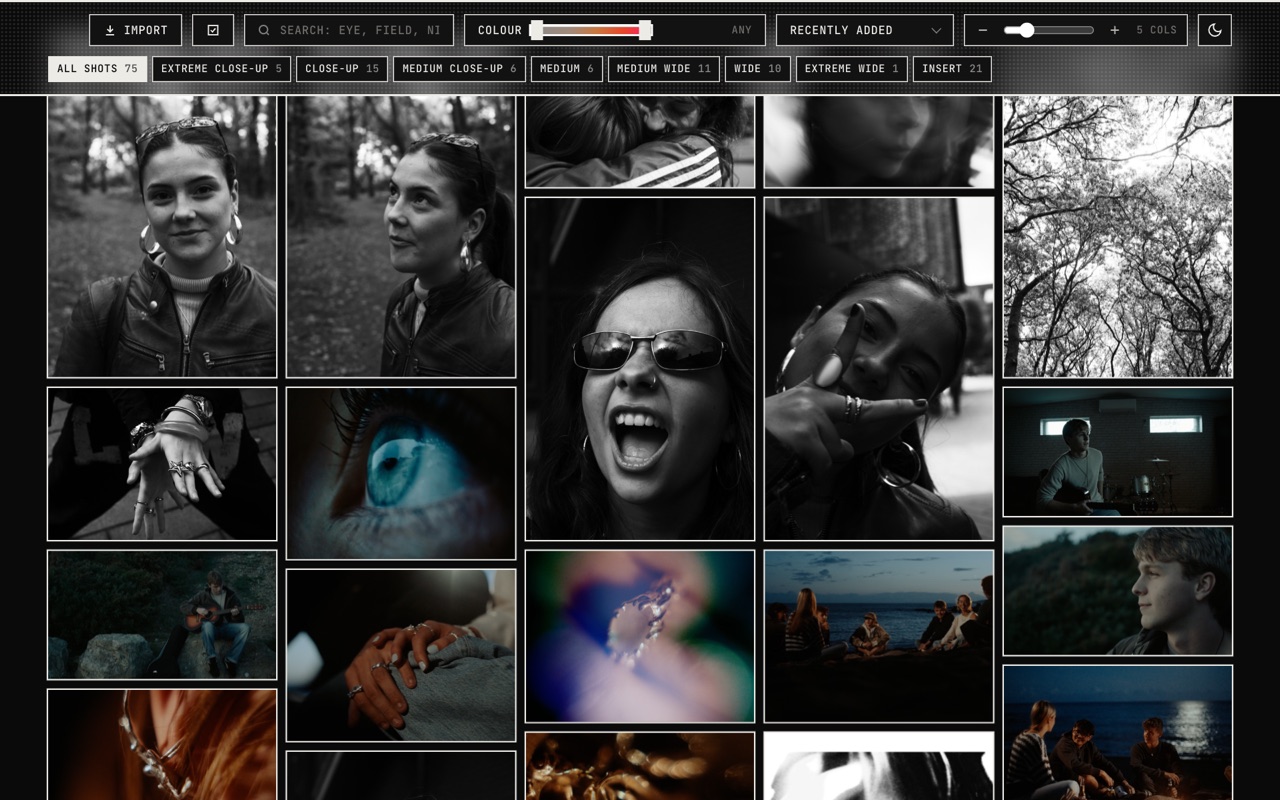
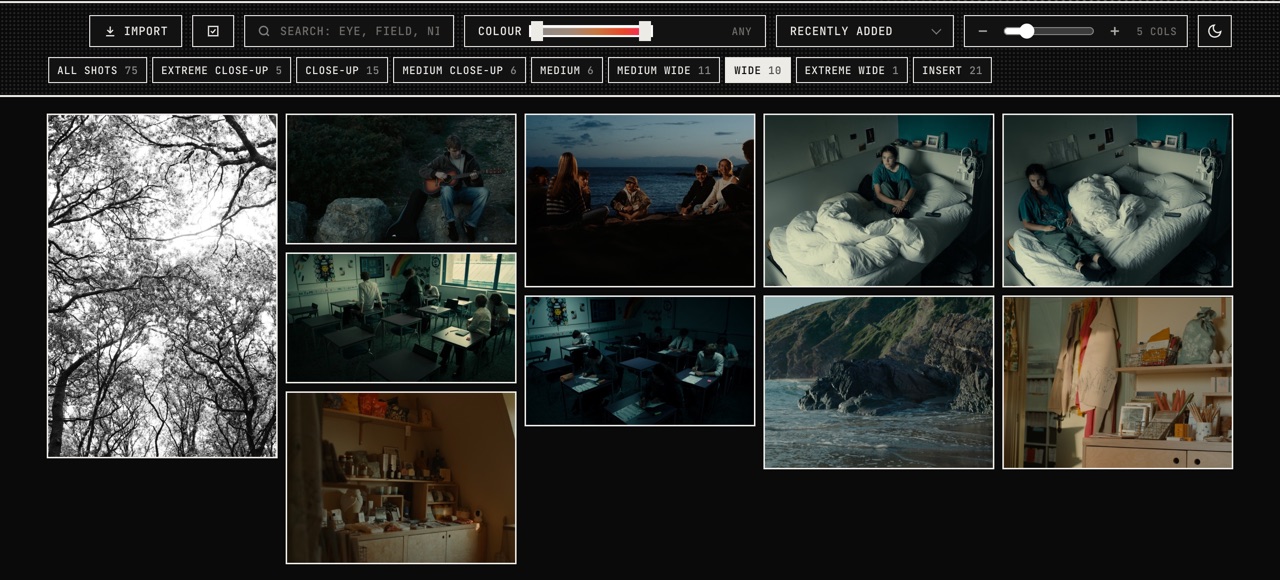
Each image gets its shot size, from extreme close-up to extreme wide, and tags for what's in the frame. Filter by shot, slide from black and white to vivid, sort by colour or brightness, or just search “night rain close-up”.
Every detail kept
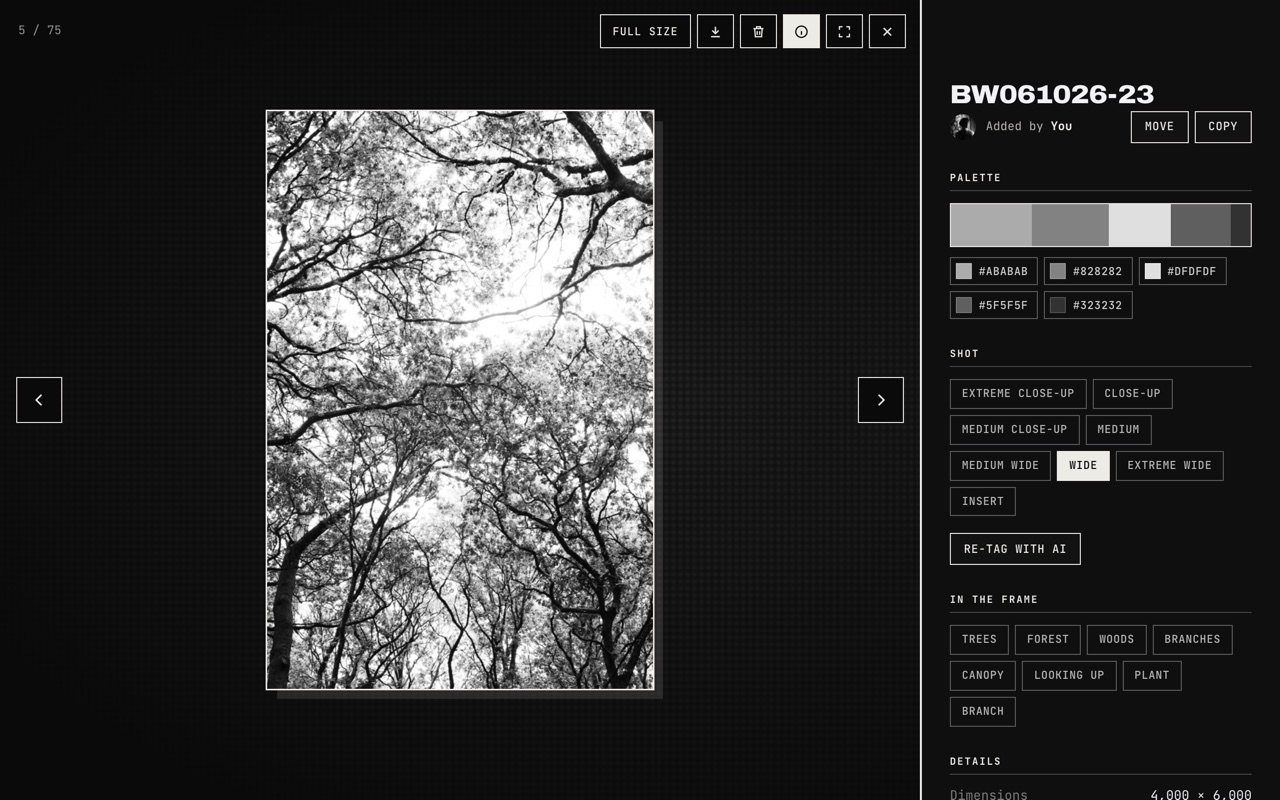
Open any image for its colour palette, shot type and tags, plus the camera, lens, aperture, shutter and ISO from the file, or straight from Resolve and Lightroom. Where a photo was taken is never stored.
Works where you work
Framebank sits inside the tools you already use, so references go in and come out without exporting a thing.
Right-click any image on Pinterest, ShotDeck or anyone's portfolio and pick a board. It's saved with a link back to where you found it, full size from Pinterest.
Add to Chrome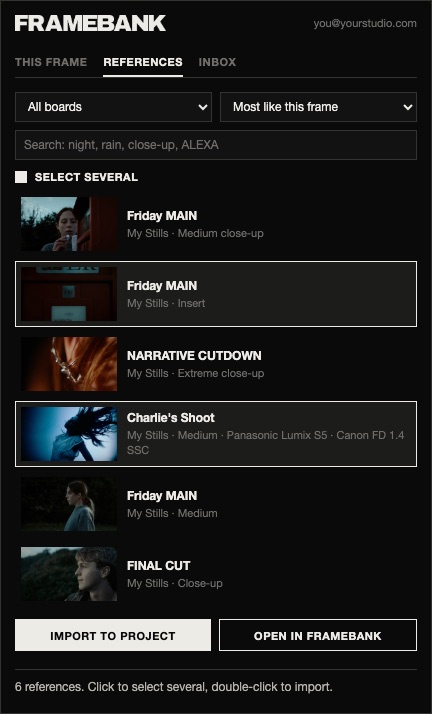
Send the frame under the playhead to a board with its sequence, clip and timecode. Browse references that look like your shot and import them into a bin.
Get the panelSend the frame under the playhead, or a whole gallery album, with its clip, timecode and camera settings (Sony shutter, ISO and picture profile included). Works in the free version.
Get the scriptEach collection becomes a board, with camera, lens and capture date. Bring images from Framebank into your catalogue, and Framebank's shot types and tags back as keywords.
Get the pluginMade to share
Pricing
Free has room for 150 images and every app. Go Pro when Framebank is part of how you work.
The first 150 members get Pro for £40 a year, for life (150 places left).